
Smartix API
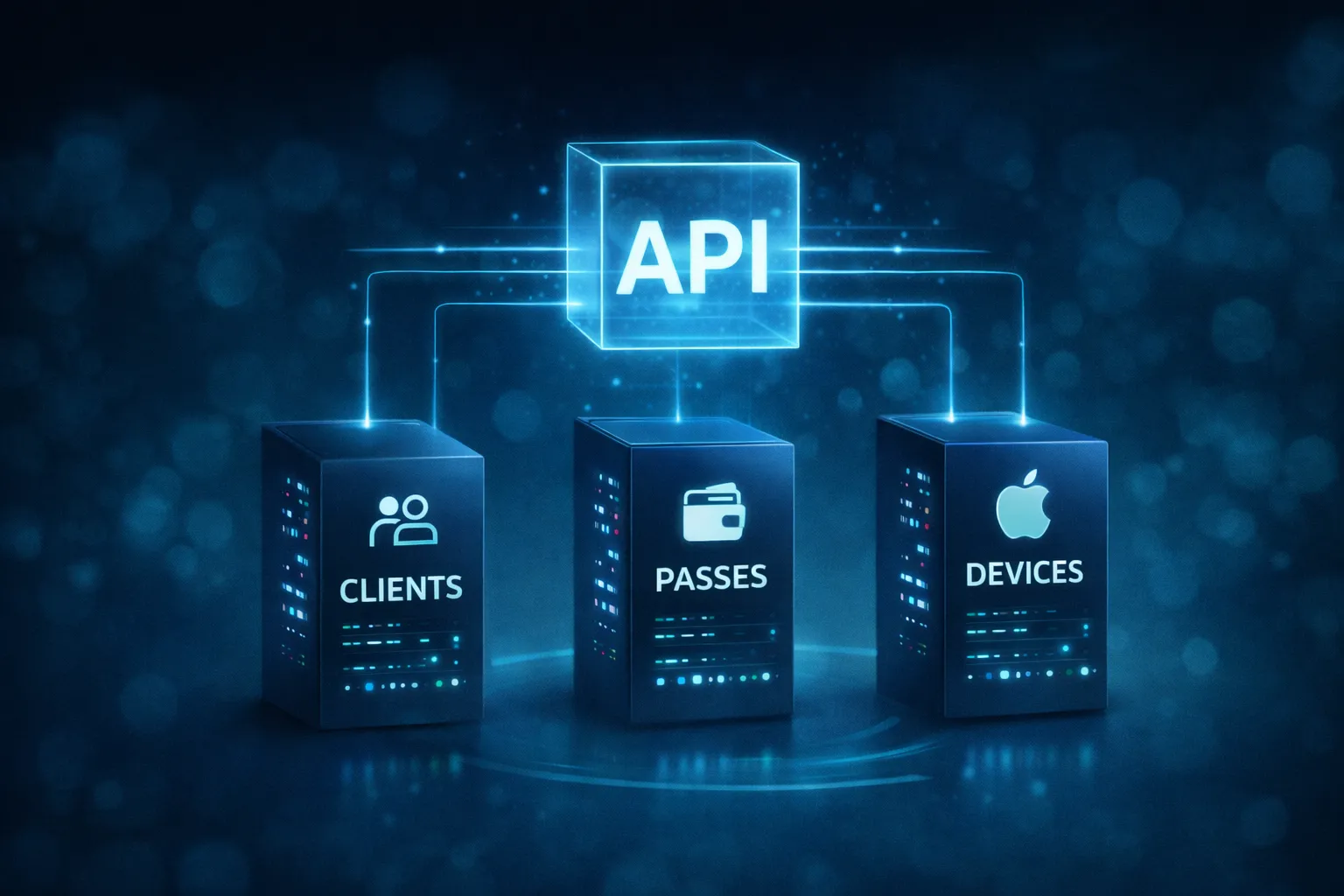
The Smartix API lets your own applications create and manage Apple Wallet and Google Wallet passes, update pass data, send notifications and administer your Smartix account.
Smartix exposes three APIs:
- Passes API — create, update, query and delete wallet passes, and send notifications.
- Clients API — manage clients, users and API keys, and retrieve account and billing information.
- Devices API — deliver Apple Wallet passes to devices. Installation URLs are normally returned by the pass-creation response. Google Wallet installation is handled through Google’s wallet service.
Authentication and test mode
Section titled “Authentication and test mode”API keys are created in pairs in Studio: one TEST key and one LIVE key. Use the TEST key while developing; it creates test passes and prevents test data from being mixed with live customer passes. Use the LIVE key for production operations.
Requests must include the API key in the x-api-key header. Where an endpoint supports both modes, the mode is selected using the x-mode header. Keep keys server-side and create a separate pair for each application that needs access.
Documentation and examples
Section titled “Documentation and examples”The complete endpoint reference, request and response examples, authentication details and sample payloads are maintained in Postman.
Open the Smartix API documentation in PostmanYou can also download the Postman collection from the Smartix downloads page.
Before going live
Section titled “Before going live”Create and test a template in Studio, issue test passes and inspect them on real Apple and Google devices. Before switching to LIVE, confirm that your application handles validation errors, rate limits, asynchronous pass updates and the credit cost of actions that consume credits.