
Notifications
Use this page to send notifications to passes in Studio. You can also use the API to send notifications.
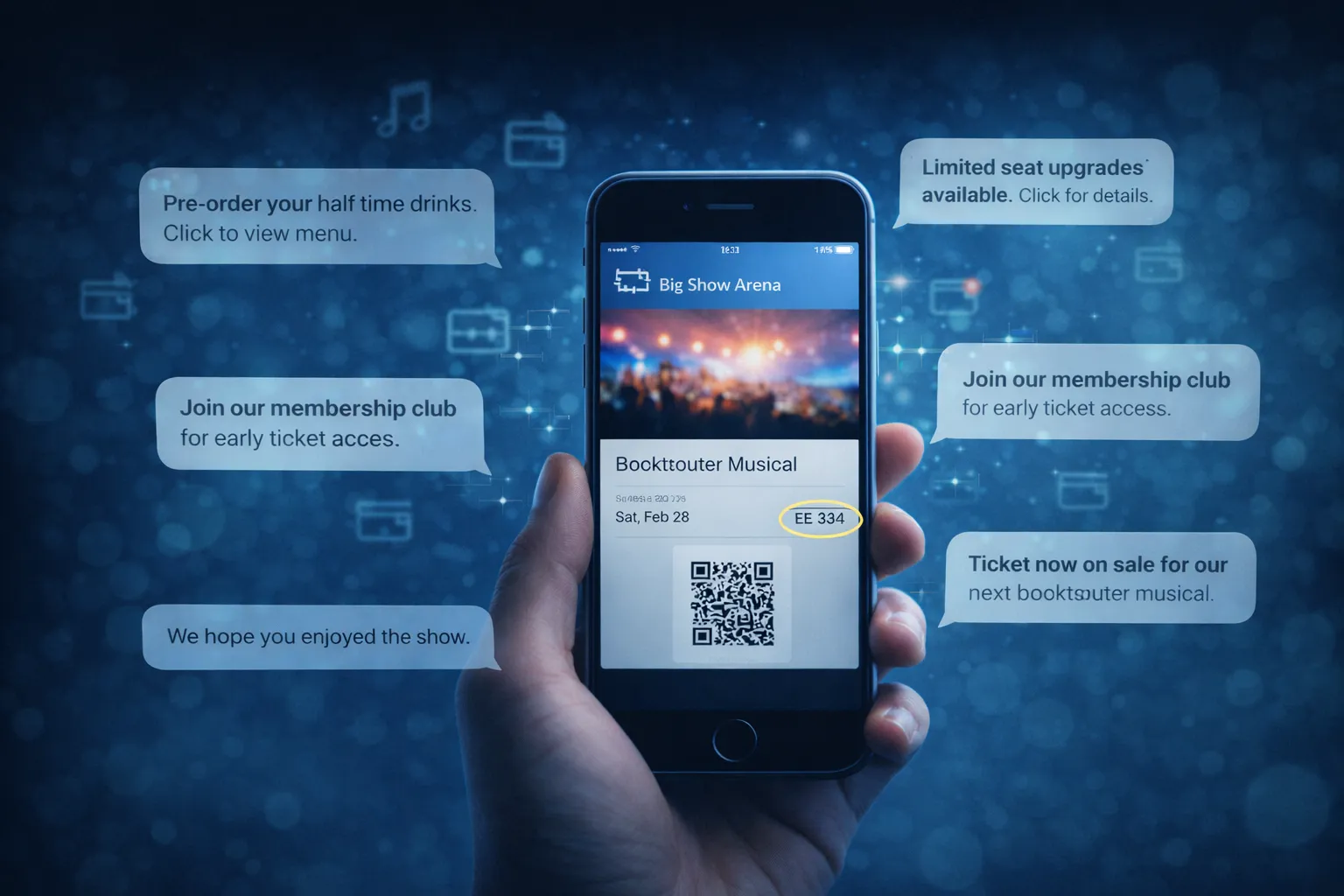
Notifications are a great way to engage with your customers. Like text messages, they are typically short and intended to attract attention. Notifications consume credits according to the current pricing rules; Studio shows the recipient count and credit quote before confirmation.
Notifications can be sent to the current pass, checked passes, or all passes matching the current server-side filters for a template.
Apple vs Google
Section titled “Apple vs Google”Google provides a notification system where you can direct messages to a single pass or to all passes associated with a template (Google Class). The user receives an audible notification and a lock screen message. The actual message is not shown, the user has to view their pass to see the notification. Google permits only three notifications per 24 hours where they alert the user. If you send further notifications they will only be visible if the user views their pass.
Apple does not provide a notification system. To create a notification you must change the content of a field on the pass that has a change message associated with it. Apple do not provide an audible notification, however the new text is shown on the lock screen. Apple does not specify any limits, however, there are limits. If you exceed those then Apple will pause all notifications (and pass updates) and warn the user that excessive updates are draining their battery.
Smartix
Section titled “Smartix”Smartix provides a common system for handling notifications. You just need to send your message and let Smartix take care of ensuring it is delivered appropriately to both your Apple and Google customers.
Update and notification limits
Section titled “Update and notification limits”In order to create a pass you need a signing certificate from Apple and Google. In order to provide a simple and low cost service, Smartix provides these for you. Thus your actions can affect other clients using the same credentials. Therefore we place a limit of ONE pass update OR ONE notification per pass per day when Smartix shared signing credentials are used. This applies to both Studio and the API.
Removing limits
Section titled “Removing limits”If you wish to remove these fair use limits then you can create your own Apple and Google developer accounts and provide us with your personal signing certificates. You will then operate independently of other users within Smartix. However Smartix operates a Fair Use Policy since we do not charge for updates or notifications but still incur costs ourselves.
We cannot remove Apple or Google limits. Apple typically do not respond to requests regarding their wallet implementation. On the other hand, we have a good relationship with Google and have managed to negotiate an increased notification limit for a client for a specific use case and would be happy to assist you in doing the same.