
Pay with Giftcard
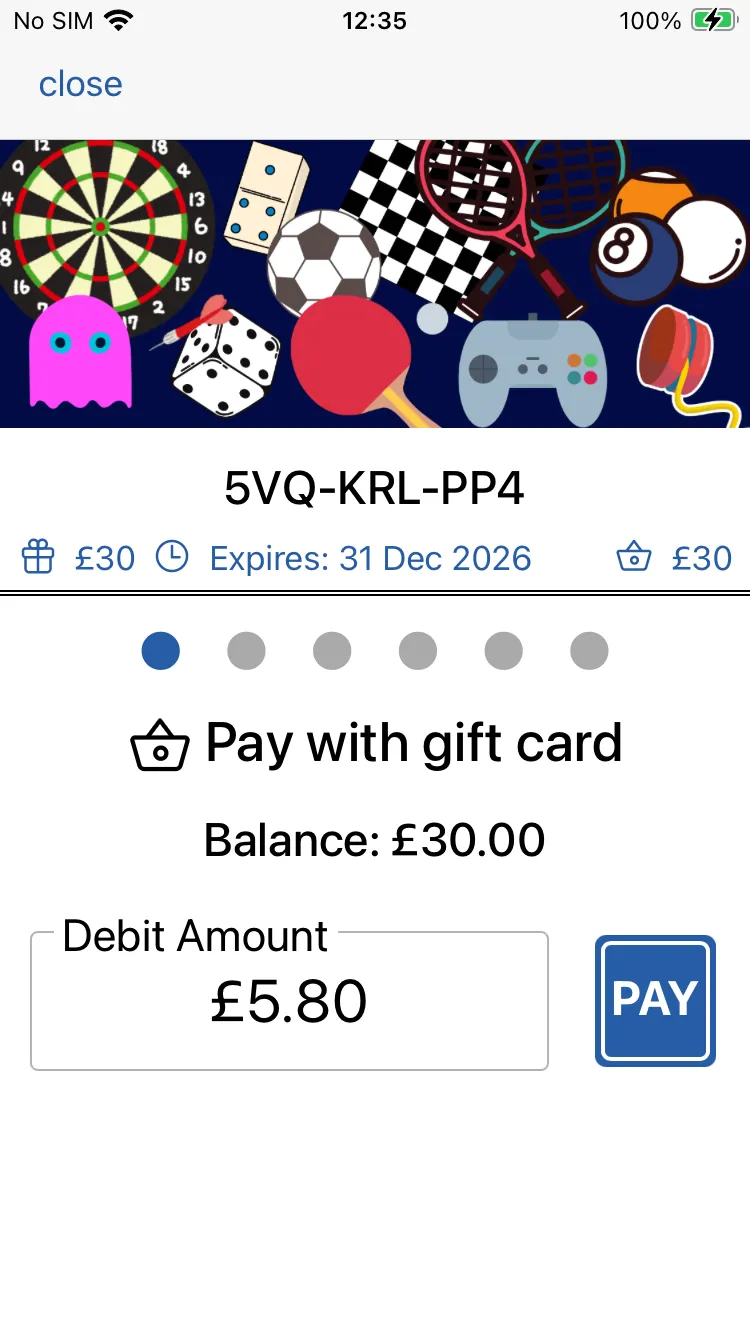
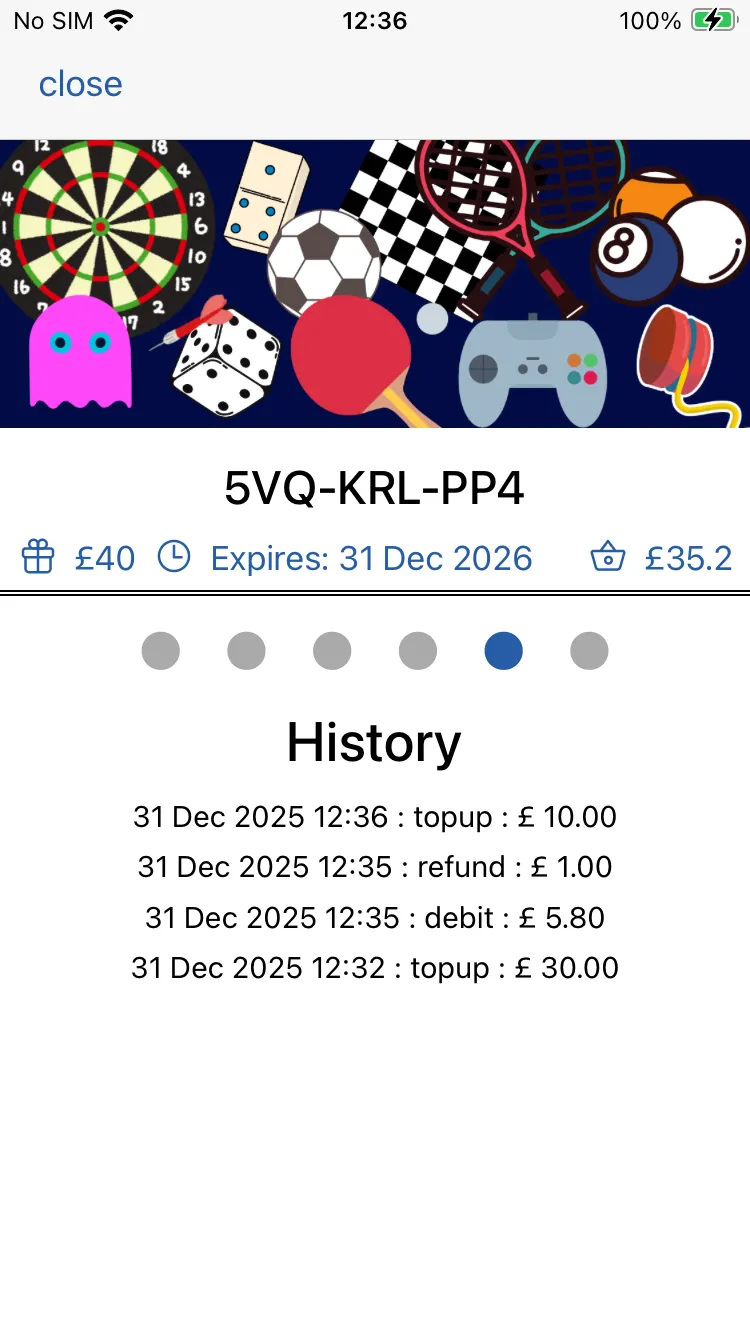
When presented with a gift card, simple scan the barcode.
The default screen will be the pay with gift card screen.
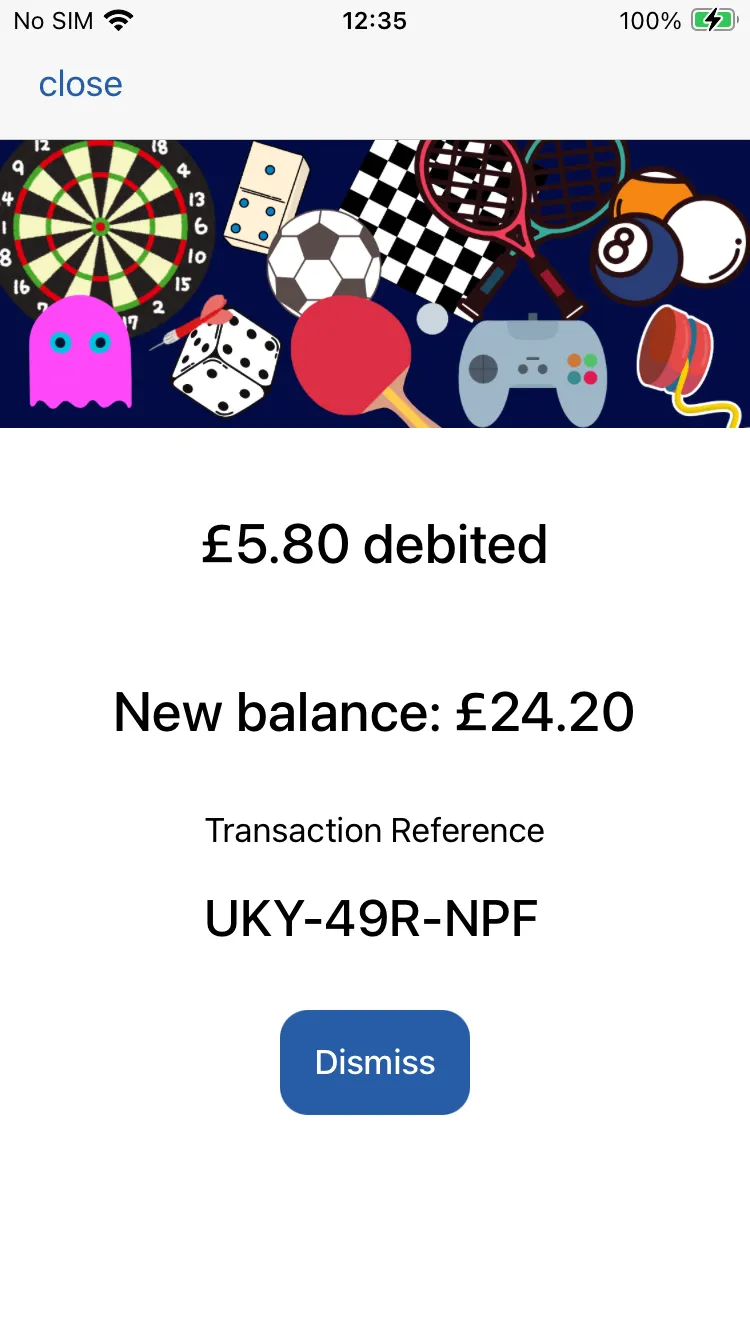
Simply enter the amount to be debited and tap and hold the pay button.
NOTE: You can also process gift card payments in Studio. Simply make ask you customer to provide the gift card number (located beneath the barcode). Use this to locate the gift card in your list of passes in Studio. Then follow the instructions.